Follow your active repository with instant file tree & terminal sync.
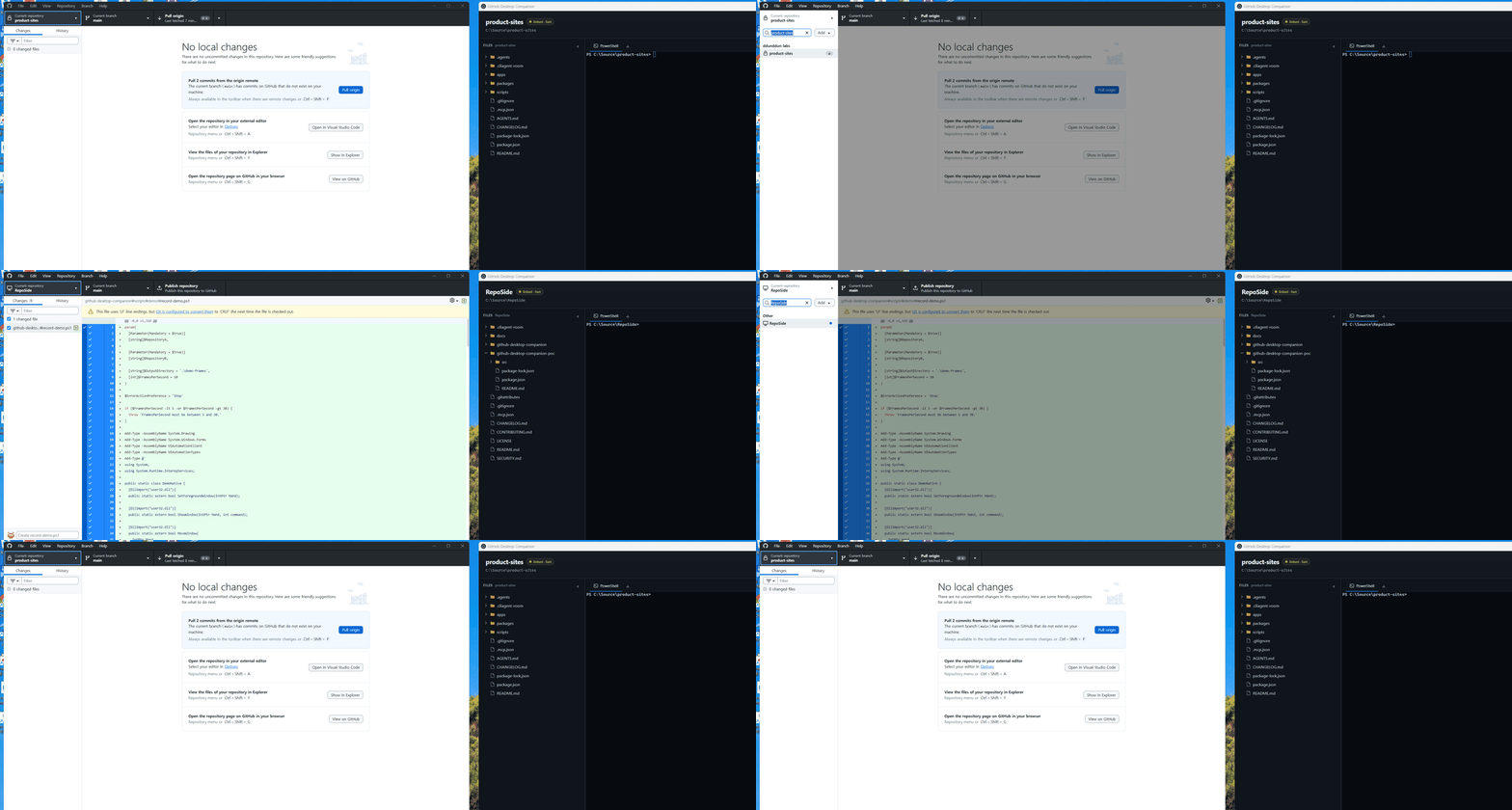
Tired of reopening terminals and navigating directories every time you switch repositories in GitHub Desktop? RepoSide quietly sits alongside your workspace, keeping your file tree and terminal sessions in sync. Never lose your terminal logs or directory position again when switching projects in GitHub Desktop.
Subtle but Handy Details
Zero bloat. Built strictly to eliminate multi-repo context switching friction.
Auto-sync active repository
Click any repository in GitHub Desktop, and your workspace follows without delay.
Persistent terminal sessions
Keeps your multi-tab terminal commands, running dev servers, and output history intact per repo.
Stateful file tree
Remembers expanded directories and scroll positions so you never lose your place.
100% Local & Lightweight
No cloud dependencies or trackers. Free, open source under MIT License, and runs directly on Windows.
How RepoSide Detects Repositories
Windows UI Automation Hook
Directly hooks into GitHub Desktop's accessibility hierarchy to receive repository change events with zero latency. Activated via the in-app launcher.
Chromium Storage Inspection
If UI Automation is unavailable, RepoSide periodically reads GitHub Desktop's local IndexedDB and LocalStorage to synchronize repository states.
Download & Run on Windows
Free, open source, and runs locally on your Windows 10/11 machine.
Windows Setup (.exe)
Recommended installer (includes Start Menu shortcut)
Windows Portable (.exe)
Standalone binary. Run immediately without installation
ℹ️ Note on Windows SmartScreen: As an early open-source prototype without commercial EV code-signing, Windows SmartScreen may show an alert. Click More info → Run anyway after verifying the official release.