RepoSide — GitHub Desktop Companion
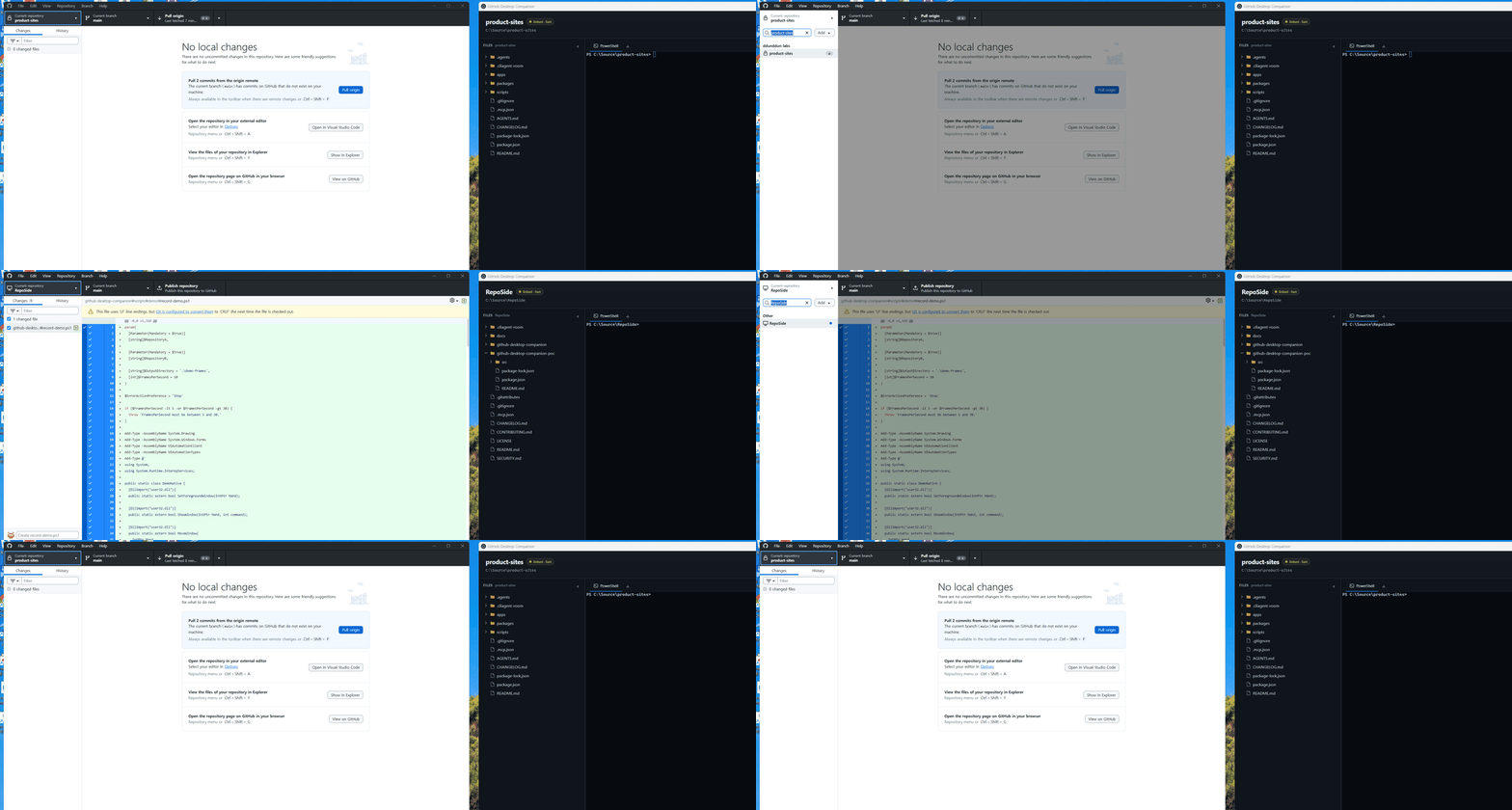
"A tiny sidecar tool built out of frustration from constantly reopening terminals and locating directories when switching repos in GitHub Desktop."
§ Why Build This?
Click any project in GitHub Desktop, and your workspace follows without delay.
Keeps multi-tab terminal commands, dev servers, and output history intact per repo.
Remembers expanded folders and scroll positions so you never lose context.
No cloud telemetry. Pure local execution under MIT License.
§ How Detection Works
1. Fast Mode (Recommended): Reads Windows UI Automation accessibility tree for instantaneous zero-latency sync. (Use in-app Launch button)
2. Storage Fallback Mode: Reads Chromium IndexedDB/LocalStorage when accessibility hooks are inactive.
§ Download & Run (Windows 10/11)
As an early open-source prototype without commercial EV signing, Windows SmartScreen may show an alert. Click [More info] → [Run anyway] after verifying the official release.